Everything you need to learn, use, and get more value from Motivity!
Great software deserves great support
Every week, you can join live sessions designed to help your team learn faster, ask questions, and apply Motivity to real-world scenarios.
ROLE-BASED SESSIONS
USER-LED MASTERCLASS
1:1 LIVE SUPPORT
ESSENTIALS SERIES
Learn by role
Learning paths built around how different members of your team use Motivity day to day. Quick 30 minute sessions ideal for anyone who is new to Motivity or needs a refresher.
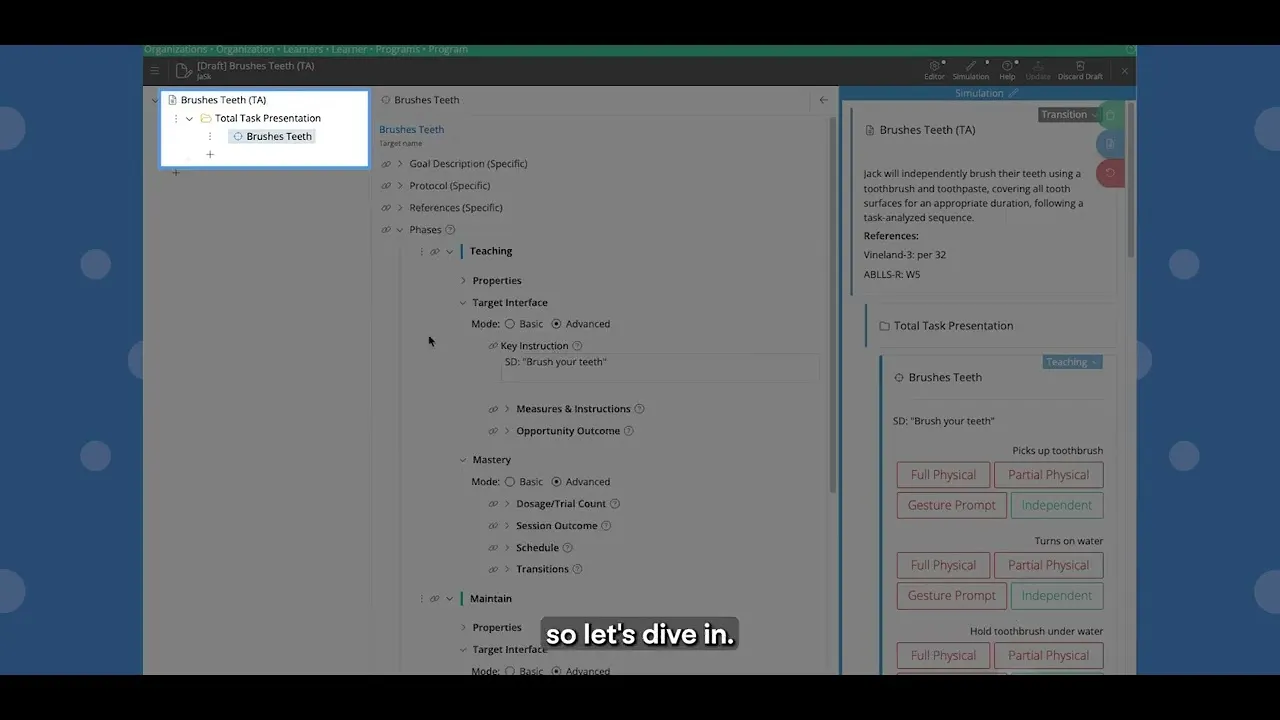
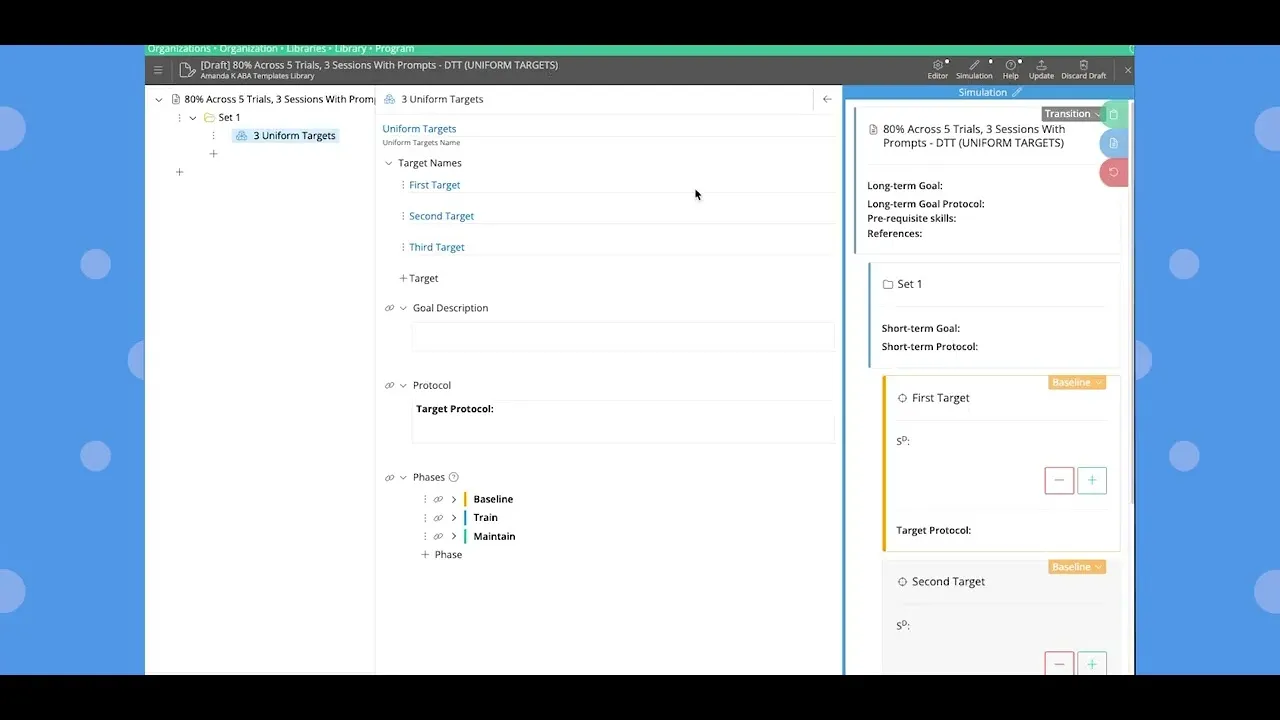
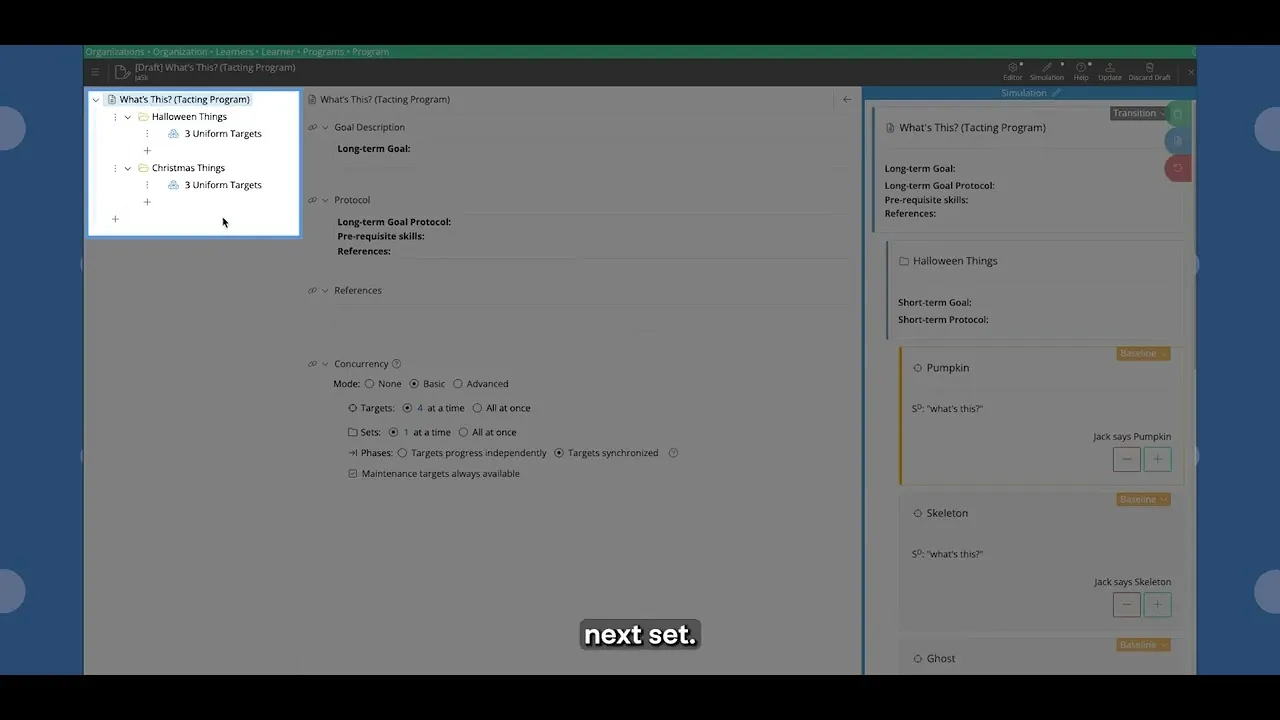
“Clinical Essentials” provides an overview of the core clinical tools Motivity offers so you can confidently design and manage client goals.
Front-Line Staff (RBTs)
“Frontline Essentials” covers the day-to-day basics: collecting data, creating and revising session notes, and building confidence with the tools you’ll use most.
Operations Teams
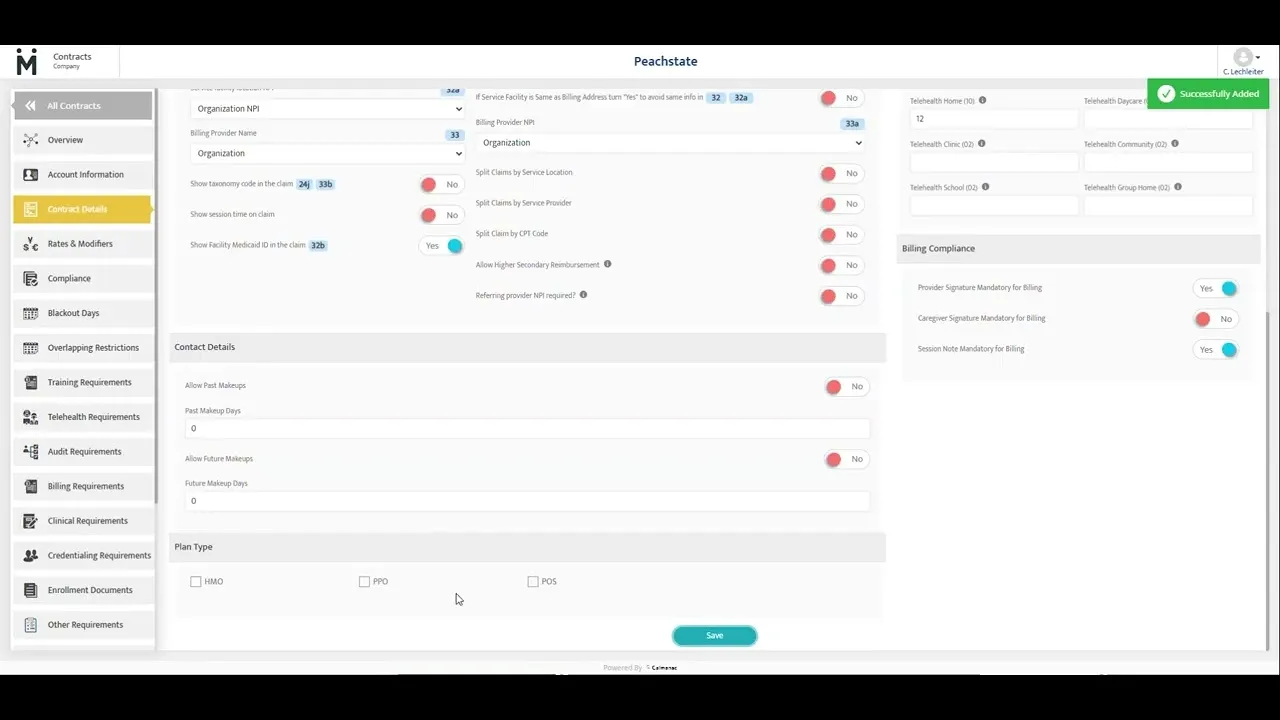
“PM Essentials” covers the fundamentals of managing authorizations and scheduling within Motivity.
CUSTOMER MASTERCLASSES
Learn from other users
Looking for real-world experience? These sessions are led by customers who share how their practices use Motivity, including the workflows they've built, lessons they've learned, and practical tips you can apply right away.
As payer scrutiny increases, ABA session notes are being read less as clinical summaries and more as compliance records. That shift has real consequences when documentation isn’t reviewed consistently.
Motivity’s NIH-funded study examined how simple, in-session visual cues changed how Behavior Technicians followed prescribed teaching trials, and what that means for clinical fidelity across your practice.
Learn which ABA metrics give you a clear picture of your ABA organization’s health. Each KPI is explained in plain language, with quick ways to fix the numbers when they start slipping.
Choosing software for your ABA practice is not easy. Use this practical scorecard to compare how each vendor compares side by side to pick the best partner based on facts.
When your days feel packed but progress stalls, it’s time for a software check-in. These 10 questions reveal the small system issues that snowball into lost hours, frustration, and burnout.