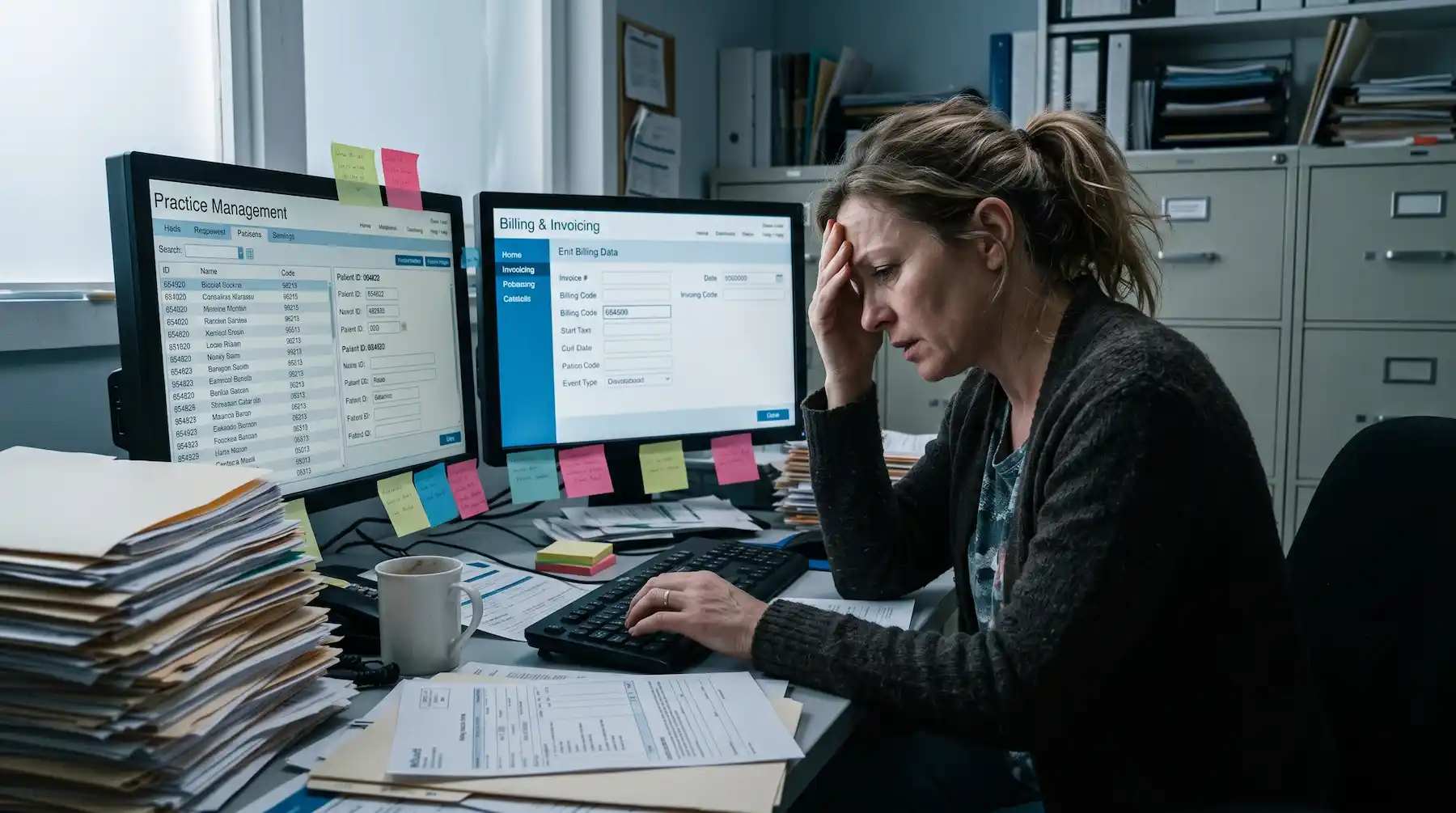
If you've been thinking about changing your ABA software, you've probably already imagined the worst-case version of that transition. Sessions get disrupted, billing stalls for weeks, or historical data ends up in some limbo folder nobody can access. Your team, already stretched thin, now has to learn a new system while keeping everything else running.
It's a reasonable fear. ABA practices can't hit a pause button while adapting. Learners need their sessions, authorizations are still going to expire when they’re due, and you can’t stop submitting claims to get paid.
The real risk in a migration is losing continuity during the switch. So, planning around that specific risk makes the transition a lot less scary. I've guided many ABA practices through this process. Here are some of the patterns I see, and tips on how to do it.
Where ABA platform migrations usually break down
Changing platforms is stressful enough on its own. The trickiest migration problems tend to surface in the handoff between ABA platforms, in what might slip through while two systems overlap: work that started in the old system hasn't fully landed in the new one yet.
Open authorizations with hours already partially utilized
Think about a learner who has 120 approved hours during the learner's current authorization period, and 74 of those were already delivered and documented in the old system. The new platform needs to pick up at hour 75 with the remaining balance intact. If that number doesn't carry over cleanly, the practice either under-delivers against the authorization or overbills, triggering a denial.
Claims already in the revenue cycle
At any given moment, an ABA practice has dozens of claims at different stages: submitted and awaiting payment, pending reconciliation, or in denial follow-up.
None of that pauses during a migration, and somebody needs to own each one through resolution.
Partially completed clinical documentation
You may have a progress report drafted but missing a signature. Or session notes pending supervisor review, assessment data that still must be written up for an upcoming reauthorization.
This is active clinical work with deadlines attached. If it gets orphaned in the transition, the downstream impact is missed reauthorizations, late reports, and clinicians struggling to reconstruct context they already had.
Credential and compliance timelines
A lot of practices track provider licenses, payor enrollments, and certification expiration dates in spreadsheets, email reminders, or scattered files. Whatever the system, those dates and statuses need to move into the new platform accurately. If they don't, a practice can end up with providers delivering billable services while a credential has quietly lapsed. That turns into denied claims and, depending on the payor, a compliance flag.
Keeping revenue moving while transitioning billing systems
Of those continuity gaps, billing is usually the one that keeps practice owners up at night. And the revenue risk during a migration rarely comes from the new system not working. It comes from losing visibility into what's already in motion.
Think about the typical billing workflow in an ABA practice:
A session happens -> The note gets completed and signed -> The claim gets generated, submitted, and tracked through the clearinghouse.
If the claim is denied, someone follows up. If it's paid, someone reconciles. Every step depends on the one before it, and at any given moment there are dozens (or hundreds) of claims sitting at different points in that cycle.
When you introduce a platform transition into that picture, the question becomes whether your team can still see everything that's happening.
Who's tracking the claims that were submitted in the old system but haven't been paid yet?
Who's monitoring denials that need follow-up before they age out?
Where does the new system pick up, and where does the old one stay responsible?
ABA practices that protect cash flow during a migration tend to do a few things:
- Set a clean cutoff date. Sessions before a certain date get billed through the old system. Sessions after that date go through the new one. No ambiguity about which system owns what.
- Run both systems in parallel for a defined period. In my experience, most practices keep the old system accessible for a few weeks while the new one handles current work. That overlap window is where billing continuity lives.
- Assign clear ownership for the overlap period. Someone specific is responsible for monitoring the old system's open claims through resolution. Not just "keeping an eye on it," but a named person with a defined timeline.
A clean financial cutover on day one isn't realistic for most practices. What’s realistic is making sure your team can account for every claim, at every stage, throughout the transition.
Protecting clinical continuity without resetting learner progress
Revenue continuity is one side of the migration. The other is clinical. For clinical directors and BCBAs®, the question often comes down to: what happens to our learners' clinical history?
The answer depends on what you're migrating from. This is one of the first conversations we have with every practice, because it's worth being clear about what's realistic before you start the process.
Most ABA platforms let you export historical session notes and progress reports as PDFs and raw data as spreadsheets. What should always be carried forward is the clinical foundation: patient demographics, provider records, and program libraries with targets, goal descriptions, and teaching instructions. The structural pieces that define how your team delivers care day to day. The specifics depend on your current platform and what your new vendor's implementation team can import, but those foundational records are typically transferable.
Some clinical settings, like mastery criteria, transition logic, and phase-change rules, typically don't transfer between platforms. These tend to be configured fresh in the new system during onboarding. For a lot of clinicians, it's a chance to set things up the way they’ve wanted to, especially if your previous platform was rigid about how those settings worked.
The practical expectation: your team will build fresh baseline data going forward while keeping exported records from the previous system archived for compliance and clinical reference. And the clinical reasoning your BCBAs have built around each learner is what guides your program setup in the new system.
What makes an ABA platform migration low-risk
It's tempting to think the key to a smooth migration is speed: getting everything moved over fast, or “ripping the band-aid off.” And it's equally tempting to keep postponing because the transition feels too risky. But staying in a system that isn't working has its own cost.
In practice, rushing a migration compresses the time your team has to get comfortable, increases the chance of data transfer errors, and puts pressure on every department.
Low-risk software migrations are designed around continuity. They're structured so that at no point during the transition does the practice lose visibility into what's happening clinically, financially, or operationally.
These are some green flags to look for when you're evaluating a new platform's implementation process:
Implementation with defined milestones, not just a go-live date.
Your team should know what's being set up in week one, what's being configured in week three, and what needs to be verified before the next phase starts. A phased approach gives everyone a clear roadmap: each team member learns the right parts of the system at the right time, so nothing is rushed, nothing is skipped, and your setup is clean and complete from the start.
Pre-go-live audits to catch potential problems.
Before each milestone, the implementation team should review your setup to make sure everything has been configured correctly in the system. Catching a misconfiguration during onboarding is always easier than troubleshooting it once you're live.
Role-specific training.
A BCBA doesn't need the same onboarding as a billing lead. And an RBT® who's collecting data during every session needs to feel confident in the new interface before go-live. Role-based training means each person learns the parts of the system they'll use. It also means your RBTs aren't sitting through a billing walkthrough, and your billing team isn't sitting through a data collection demo.
How Motivity supports continuity during software transitions
I walk practices through the software migration process all the time. And the thing I hear most often in kickoff calls is some version of: "Our last platform change was a nightmare." Or: "We've been putting this off for two years because we're scared of disrupting everything."
The reason transitions tend to go more smoothly with Motivity is structural. Clinical data collection, scheduling, billing, credentialing, and compliance tracking are all part of the same system. When a customer is inputting an authorization, those connect directly to the scheduling and billing workflows we're configuring. There's no "now go set this up in your other tool" step.
The way we structure onboarding is in deliberate phases. We don't hand you the system and say "good luck." We start with the foundational data, your providers, patients, and credentials, and build from there. Scheduling and billing come next, then clearinghouse integration and testing. At each milestone, we review the setup together before moving on.
As Gabriella Nelson, BCBA and founder of Lively Behavioral Solutions, put it:
"Having a team that's been through [migrating ABA platforms] before, willing to show you how to do it in a really easy, user-friendly way, is so huge."
Some practices also want help on the billing side. For them, our RCM services team sets up payor contracts inside Motivity so billing starts clean from day one. Then, they pick up claims management, denial follow-up, and reconciliation, all within the same system your team is already working in.
See what switching can look like
Platform migrations are a big decision, and they should be. But most of the practices we work with have similar experiences from the other side.
"The biggest regret I have about changing software [to Motivity] is that we didn't do it sooner."
–Kyle Quinn, President of ABC for Autism
If you have questions about what migrating ABA software would look like for your specific setup, let's talk.